11 Best Audacity Plugins in 2026 (Free & Paid Options Tested)
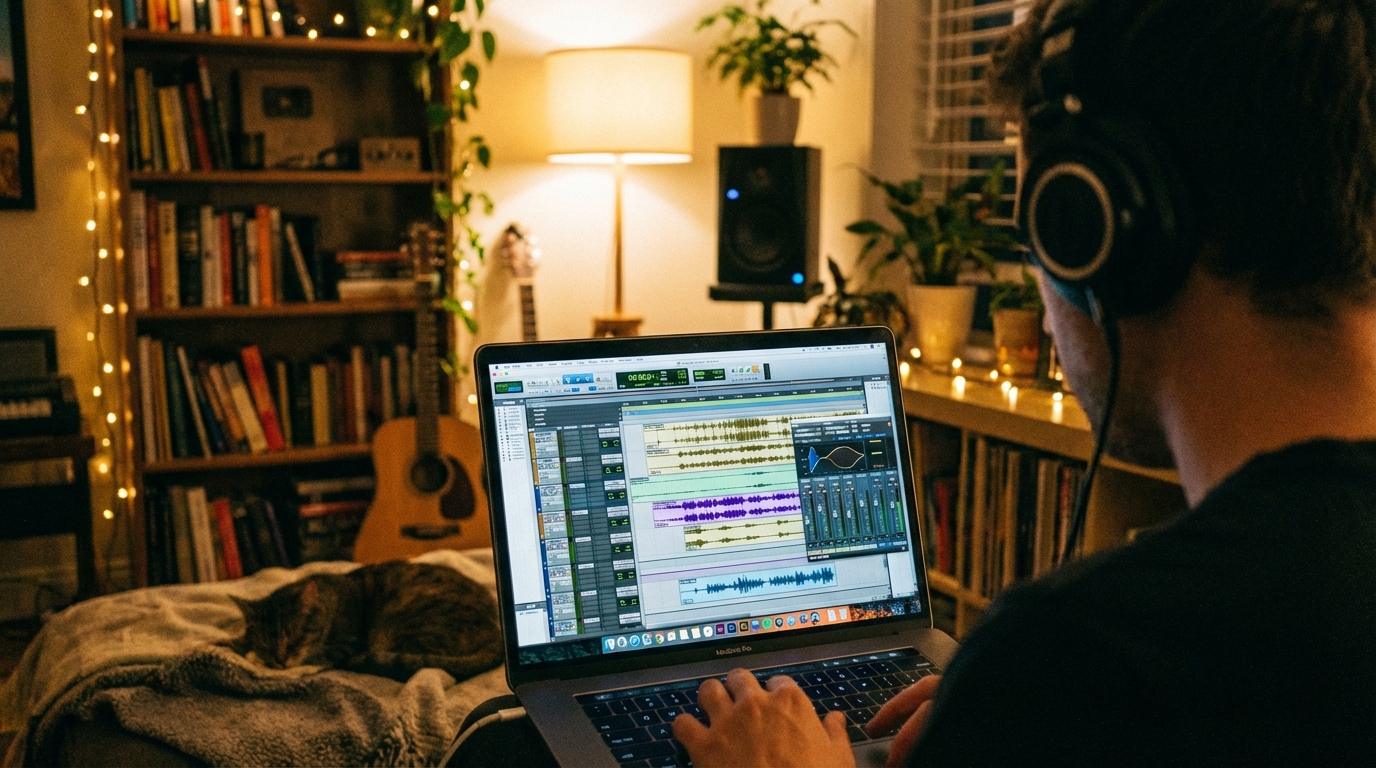
Audacity is a powerful free audio editing software, but the right audacity plugins can transform it from simple to professional-grade. Whether you’re editing podcasts or producing music, plugins extend Audacity’s capabilities with features like autotune, noise reduction, advanced EQ and mastering tools. The challenge? Audacity supports multiple plugin formats such as VST, VST3, LV2, LADSPA, Audio Units and Nyquist FX. This gives you access to thousands of options. So finding the best audacity plugins to meet your specific needs can feel overwhelming. We’ve tested dozens of free audacity plugins and premium options to bring you this curated list. From autotune capabilities with audacity plugins autotune tools to complete mastering suites, we’ll show you the top 11 plugins and how to install audacity plugins to boost your workflow. What Are Audacity VST Plugins and Why Do You Need Them Image Source: Music & Audio – Tuts+ Plugins function as modular extensions that
How to Build a Loyal Podcast Community on Social Media: A Step-by-Step Guide
A loyal podcast community needs more than just releasing episodes. Recent surveys show that 75% of listeners trust their podcast hosts. That trust forms your foundation to create something bigger. Social media turns passive listeners into active community members. This piece walks you through choosing the right platforms and setting up your presence. You’ll learn to create content that involves your audience and build daily rituals that sustain growth. We’ll show you how to turn your podcast community building efforts into a thriving, interactive space where your audience connects with you and each other. Why Social Media Is Essential for Building a Podcast Community Your podcast audience already lives on social media. About 94% of monthly podcast listeners are active on at least one social media channel. This overlap creates a chance to meet your listeners where they already spend their time. Social Media Platforms Where Podcast Listeners Gather Discovery happens on
11 Podcast Social Media Strategy Tips That Actually Grow Your Audience in 2026
A podcast social media strategy that works matters more than ever. Why? Because 42% of listeners find new podcasts through channels like Instagram, TikTok, and Facebook. Yet, most podcasters struggle. They only post episode links, promote once and move on, or share low-quality clips. We’ve compiled 11 practical podcast social media strategy tips that deal with these common pitfalls. These strategies will show you how to promote a podcast on social media and help you build an involved audience that grows your show in 2026. Repurpose Your Podcast Episodes Into Short-Form Content Image Source: Fiverr What Short-Form Content Means for Podcasters Short-form content refers to video clips between 15 and 60 seconds. Platforms like TikTok, Instagram Reels, and YouTube Shorts use this format. A single hour-long episode can yield 10 to 20 standalone clips. Each clip serves as a discovery point for new listeners who scroll with sound off. Why Repurposing Works on Social
How to Become a Better Podcast Interviewer: The Ultimate Guide to Remote Interviews
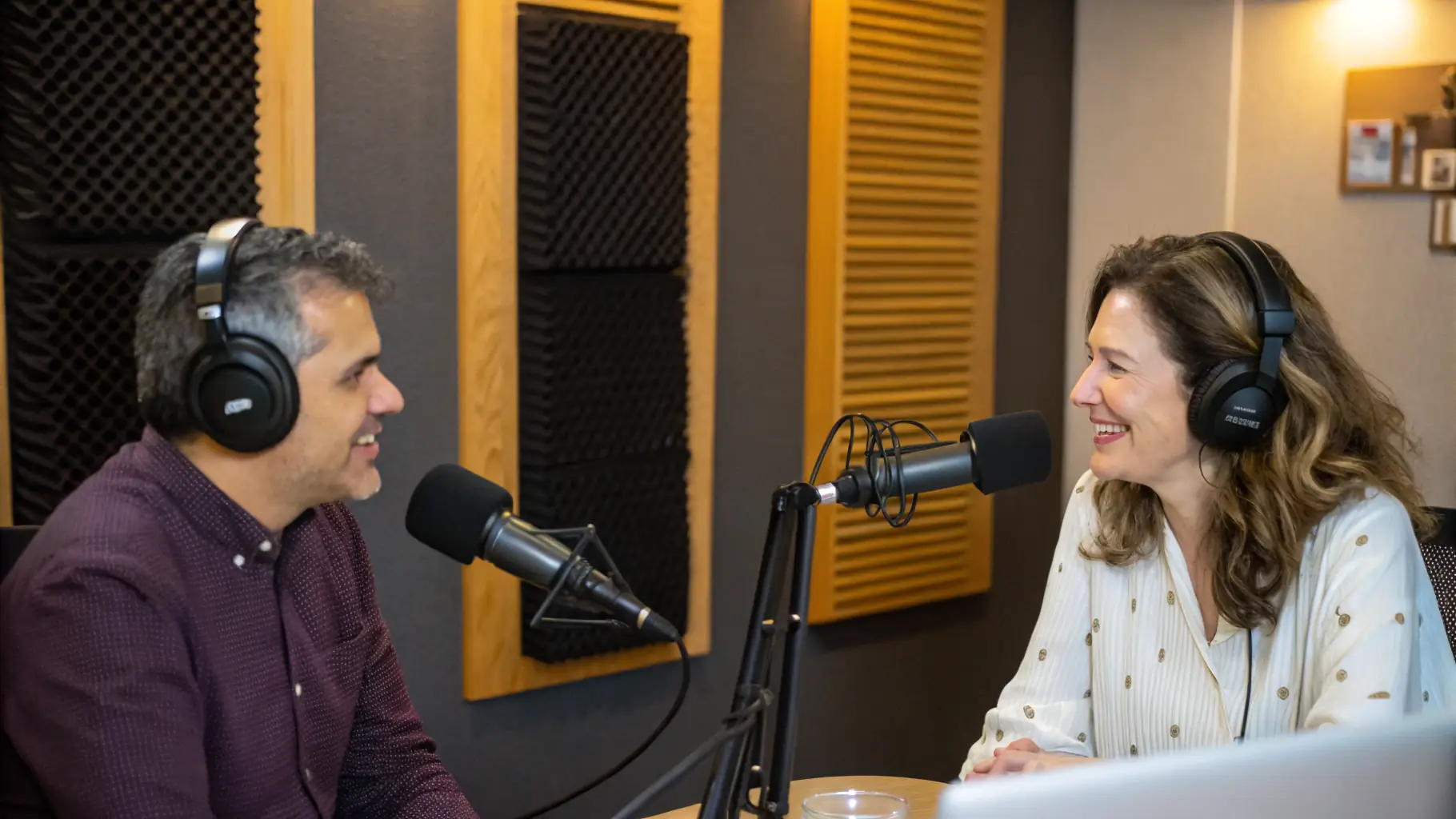
Your remote recording workflow can make or break your podcast’s sound quality and consistency as a podcast interviewer. Yet most hosts get this wrong: they think expensive equipment will solve everything. In stark comparison to this, what matters is smart preparation and a solid recording platform with intentional structure. You don’t need to be a tech wizard to learn how to conduct a podcast interview remotely. This piece covers everything, whether you’re figuring out how to interview someone for a podcast for the first time or looking for tips to level up your skills. We’ll walk you through the technology setup and preparation strategies. You’ll learn how to be a good podcast interviewer during recording and craft better podcast interview questions that lead to compelling conversations. Setting Up Your Remote Podcast Interview Technology Choose the Right Recording Platform Your recording software determines whether you’ll deal with glitchy audio or studio-quality files.
How to Master Your Podcast Sound: Essential Mastering Tips for Studio-Quality Audio
Your podcast recordings sound good, but they don’t have that polished, studio-quality finish yet. The difference? Proper mastering tips can revolutionize your audio from amateur to professional. Here’s the thing: getting quality audio is easier and cheaper than ever, so you can achieve studio-level results even with simple equipment. But mastering remains the secret ingredient that separates great podcasts from average ones. In this piece, we’ll walk you through audio mastering tips, mixing and mastering tips, and home mastering tips that will lift your podcast sound. These music mastering tips and tricks will help you create polished episodes, covering compression techniques and loudness standards. Ready to master your podcast like a pro? Let’s get started! Understanding Podcast Mastering Fundamentals What is Podcast Mastering Mastering serves as the final step when you prepare your podcast audio for distribution. Most podcast recordings have just a few tracks, so mastering often has mixing. Music
The 5 Best Podcast Editing Tools to Speed Up Your Workflow in 2026
Choosing the right podcast editing tools can cut your editing time by two-thirds. One podcaster reduced their average editing time from 15 minutes to 5 minutes per guest track and saved 26 hours annually. The wrong tool, but, adds hours of frustrating work to your production schedule. We’ve tested the best podcast editing software available in 2026 to help you find the perfect fit for your workflow. Whether you need ai podcast editing software, professional podcast audio editing capabilities, or all-in-one podcast tools, this piece covers five top solutions with pricing and features. Descript: AI-Powered Text-Based Podcast Editing Software Image Source: Descript Help Descript approaches podcast audio editing differently than traditional software. You edit your audio by modifying a transcript rather than manipulating waveforms, analogous to working in a word processor. Delete a sentence from the text and Descript removes it from your audio file. Key Features & Pricing The Overdub feature stands
How to Get Studio Quality Podcast Audio: A Step-by-Step Guide for Beginners
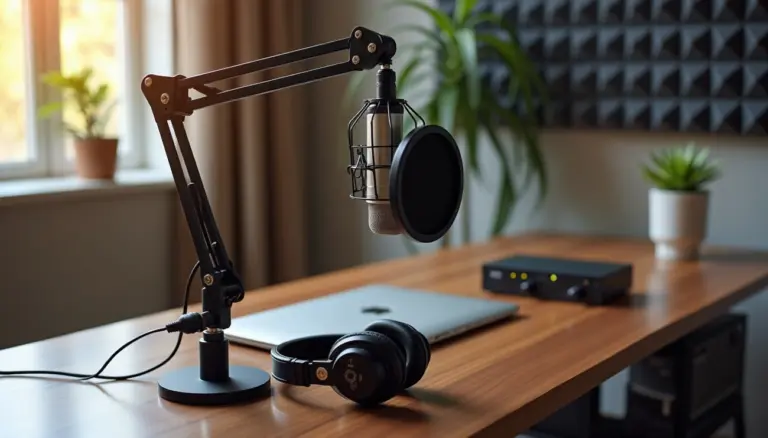
Studio quality podcast audio can make the difference between listeners continuing to listen or hitting stop within minutes. Audio quality affects whether your content appeals to your audience or gets ignored. The good news? You don’t need thousands of dollars in equipment to sound professional. Choosing the right studio quality microphone and applying smart recording techniques can change your podcast from amateur to polished. This piece will walk you through everything from selecting the best studio quality microphone for beginners to refining your recording environment and post-production techniques. Choose the Right Studio Quality Microphone Your first major decision centers on connection type. USB microphones plug directly into your computer and have a built-in analog-to-digital converter. XLR microphones require an audio interface or mixer to connect to your recording device. This difference shapes everything from your original investment to knowing how to expand your setup later. USB vs XLR Microphones USB